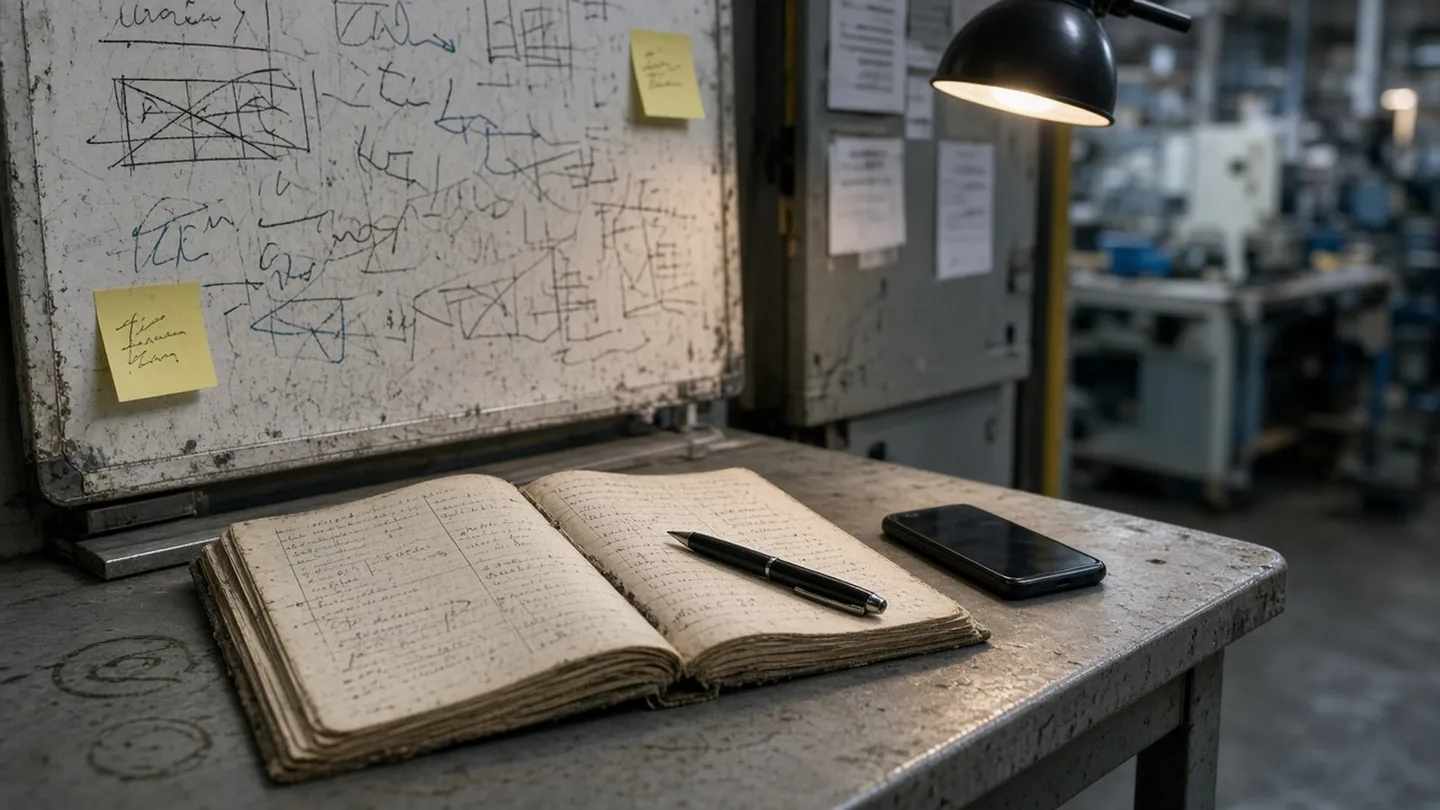
Meet ShiftPanda: Shift Handover Software That Takes a Couple of Minutes
ShiftPanda is shift handover software for manufacturing: go area by area, set each machine to Running or Idle, log issues, and see who acknowledged it.
Every new tool says it's simple. Then you open it and there's a dashboard, twelve menus and a training video.
So instead of telling you ShiftPanda is simple, here's exactly what it does. You can decide for yourself.
What ShiftPanda is: a shift handover tool
ShiftPanda does one thing: shift handovers.
At the end of your shift, you tell the next crew what's running, what's down, what's half-done and what's still open. Every handover shows who has read it and who acknowledged it, by name. That's it.
It's not a maintenance system. It's not a production tracker. It doesn't want to run your plant. It replaces the clipboard, the whiteboard and the group text for the one job they're bad at.
How a shift handover works in ShiftPanda
Your floor, set up once. You add your areas and the machines in each one. That's the structure every handover follows, so nobody forgets to mention a line.
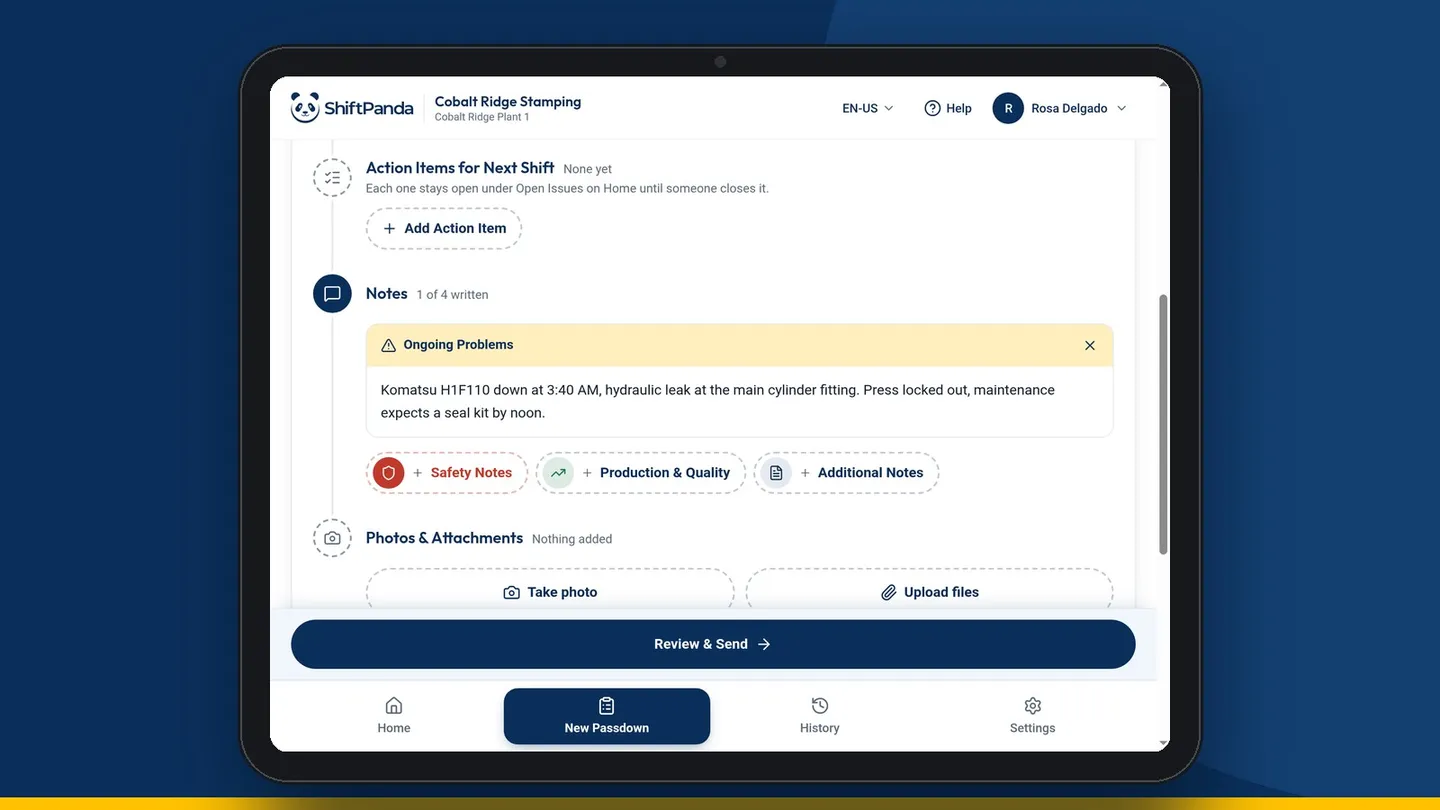
Writing a handover. At shift change, you start a new handover and go area by area. Mark each machine Running or Idle. Add a note where it matters: the workaround, the half-done setup, the thing to keep an eye on. Submit.
Logging an issue. Some problems don't wait for shift change. You can log an issue on its own, any time, so it's on record before the handover.
Know who read it. Every handover shows who has read it and who acknowledged it, by name. Now both sides know it landed. No more "I never saw that."
History when you need it. Every handover and who acknowledged it is saved, so you can look back at what happened on any shift without digging through old clipboards.
Handovers built for the floor, not the office
Most software gets designed at a desk and tested on a laptop. Handovers happen standing up, next to a machine, at the end of a long shift. So we built for that.
- Big buttons. Easy to tap on a tablet, including with touchscreen gloves.
- Wi-Fi dead spots don't wipe your work. Lose Wi-Fi mid-handover and what you've typed is still there when you're back.
- Nothing to install. It runs in the browser. Open it on the tablet you've got and go.
- Fast. Once your areas are set up, a simple handover takes about a minute and a full end-of-shift one takes under two.
Getting your crew on it
The first person to sign up becomes the admin. That's usually the supervisor who's tired of the whiteboard.
From there you add your areas and machines and invite your crew. Invites take minutes. Your crew doesn't need training. If they can read a handover, they can use ShiftPanda.
What it costs
ShiftPanda is $9 per user per month. You can try it free for 30 days first, with your real crew on your real shifts.
At the end of the trial you'll have a month of handovers to show your plant manager. That's a lot easier than pitching an idea. You're showing them something that's already working on the floor.
What it isn't: not an MES, CMMS or ERP
We want to be straight about this, because you've probably been burned by a tool that promised everything.
ShiftPanda won't replace your maintenance system, your production software or your ERP. It won't schedule your shifts or track your parts. It sits alongside whatever your plant already runs and handles the one thing those systems never got right: a fast, clear handover the next crew will actually read.
See for yourself
The fastest way to know if it's simple is to try it. Set it up for your area this afternoon and run your next shift change on it.
Be ready for the next shift tonight.
ShiftPanda turns the end of a shift into a two-minute handover your next crew actually reads.
30 days free · $9 per user per month after